
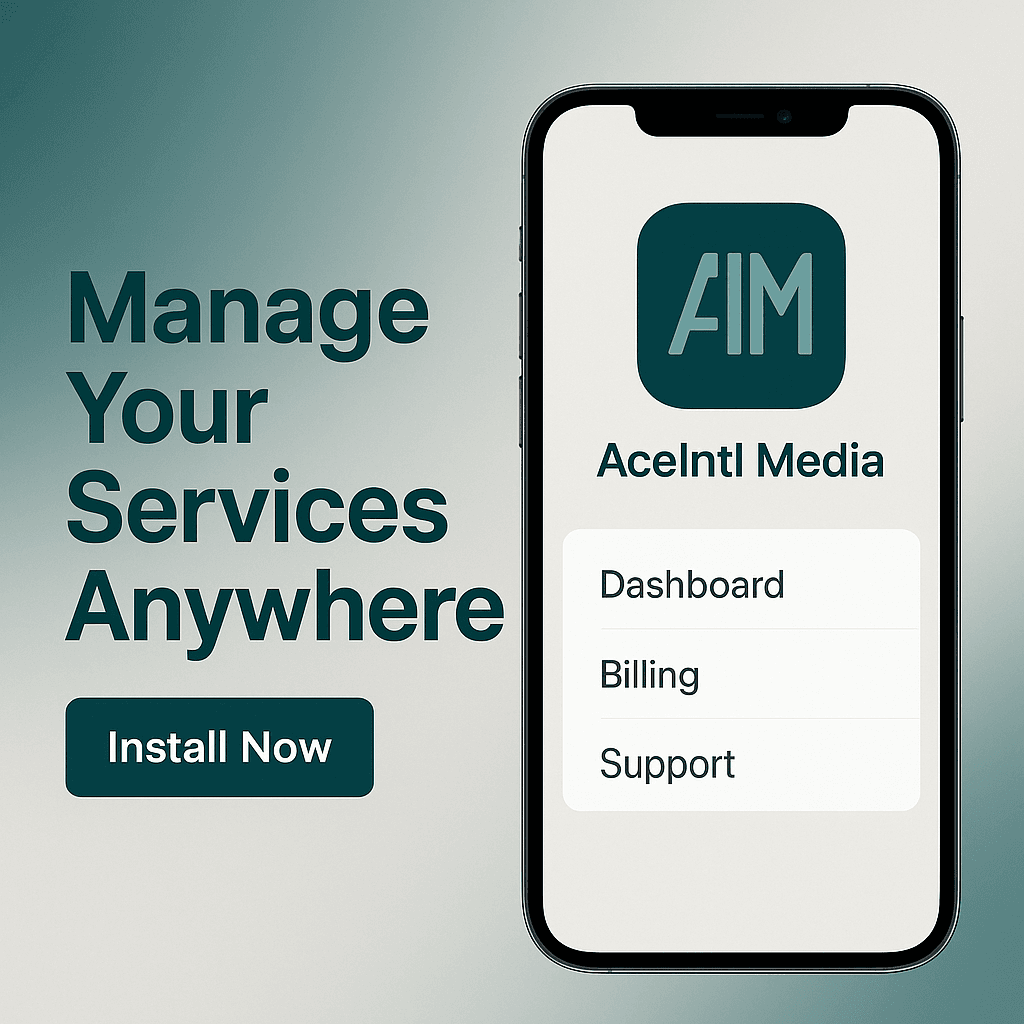
Access your services, billing, and support anytime, anywhere with the Ace Intl Media app.
Secure login to the Ace Intl Media App. Manage your services, billing, domains, and support in one place with 24/7 access. It works with Android & iOS, or “No store needed, install via your browser
Need Help? Open a ticket
FAQ
Frequently Asked Questions
1. How do I install the Ace Intl Media app?
Open app.aceintlmedia.com in your mobile browser. On Android (Chrome), tap the three dots and select “Add to Home Screen.” On iOS (Safari), tap the Share icon and choose “Add to Home Screen.”
2. Is the app available in the App Store or Google Play?
Currently, our app is a Progressive Web App (PWA). This means you can install it directly from your browser without needing the app stores.
3. What can I do with the app?
You can log in to your Ace Intl Media account, access your dashboard, billing, domains, and support tickets, and manage services anytime, anywhere.
4. Is the app secure?
Yes. The app operates over HTTPS with SSL encryption, and your account details are protected in the same manner as on our website.
5. Will I receive notifications?
Push notifications are coming soon. For now, you can check invoices, updates, and support directly in the app.
Install the Ace Intl Media app to manage your services, billing, and support from anywhere. Simple, secure, and mobile-friendly.

Chapter 8: Creative Media Solutions
Chapter 8 explores creative media solutions and how visuals, storytelling, and digital content help businesses strengthen branding, engagement, and online growth.

Chapter 7: SEO & Digital Marketing
.Chapter 7 explores SEO and digital marketing strategies that help businesses improve visibility, attract targeted traffic, and build a strong, sustainable online presence.

Chapter 6: E-Commerce Solutions
Chapter 6 explores e-commerce solutions for businesses, explaining how online stores are built, managed, and scaled using the right platforms, payment systems, and growth strategies.
 English