
Welcome to the Ace Intl Media Client Portal.
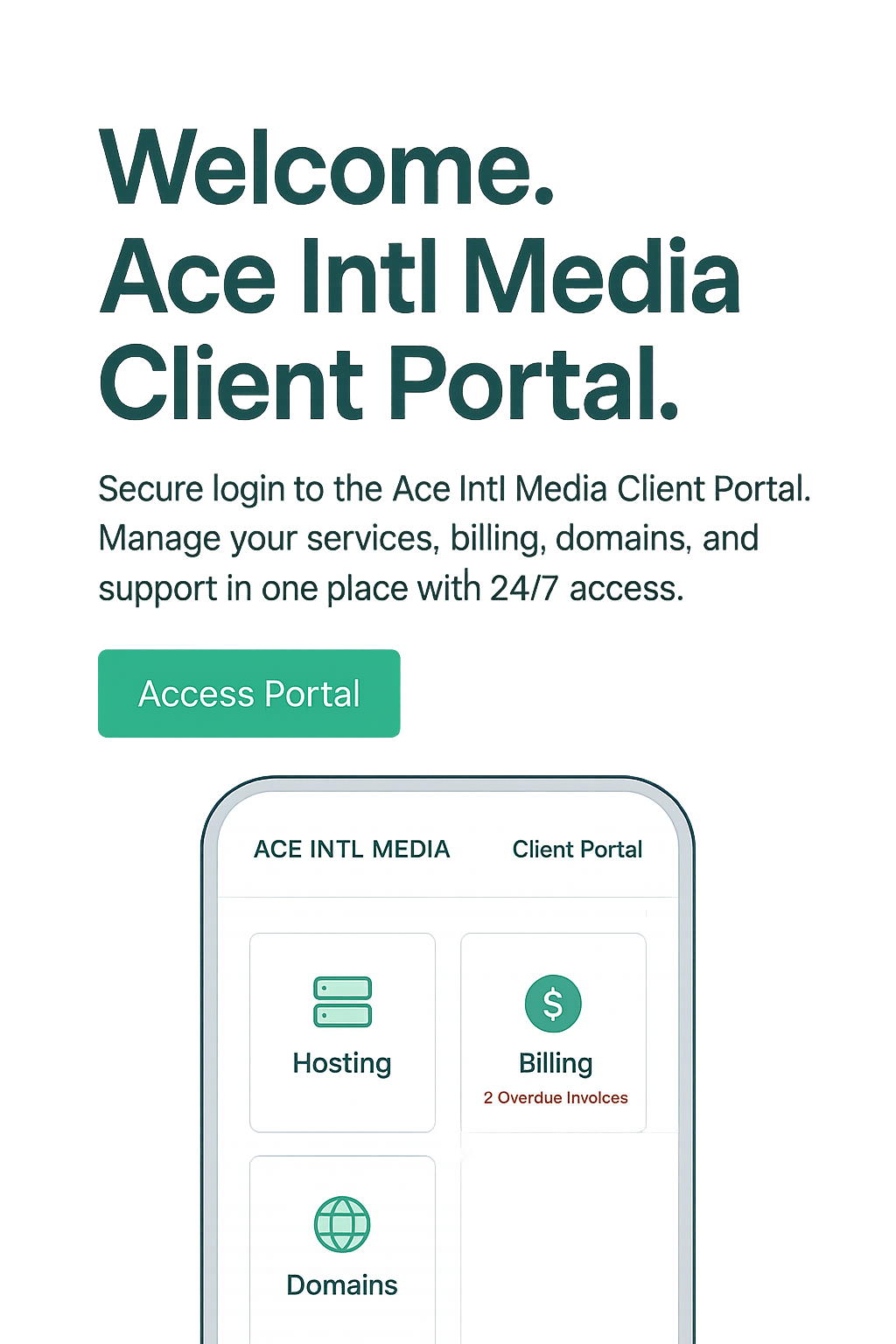
Secure login to the Ace Intl Media Client Portal. Manage your services, billing, domains, and support in one place with 24/7 access.
Need Help? Open a ticket
FAQ
Frequently Asked Questions
1. How do I access the Client Portal?
You can log in to the Client Portal directly at portal.aceintlmedia.com. From there, you can manage your hosting, domains, billing, and support tickets.
2. I forgot my password. How can I reset it?
On the login page, click “Forgot Password” and enter your registered email address. You’ll receive a secure link to reset your password.
3. Where can I view and pay my invoices?
Invoices are available under the Billing section in the Client Portal. You can view, download, and pay them securely online.
4. How do I contact support through the Client Portal?
Go to the Support section and click Submit a Ticket. Our team is available 24/7 to help with hosting, domains, or service-related issues.
5. Can I update my account details?
Yes. In the Account Details section, you can update your personal information, contact details, and service preferences anytime.

Chapter 8: Creative Media Solutions
Chapter 8 explores creative media solutions and how visuals, storytelling, and digital content help businesses strengthen branding, engagement, and online growth.

Chapter 7: SEO & Digital Marketing
.Chapter 7 explores SEO and digital marketing strategies that help businesses improve visibility, attract targeted traffic, and build a strong, sustainable online presence.

Chapter 6: E-Commerce Solutions
Chapter 6 explores e-commerce solutions for businesses, explaining how online stores are built, managed, and scaled using the right platforms, payment systems, and growth strategies.
 English